Inside the current build
Behind NiNjAttack
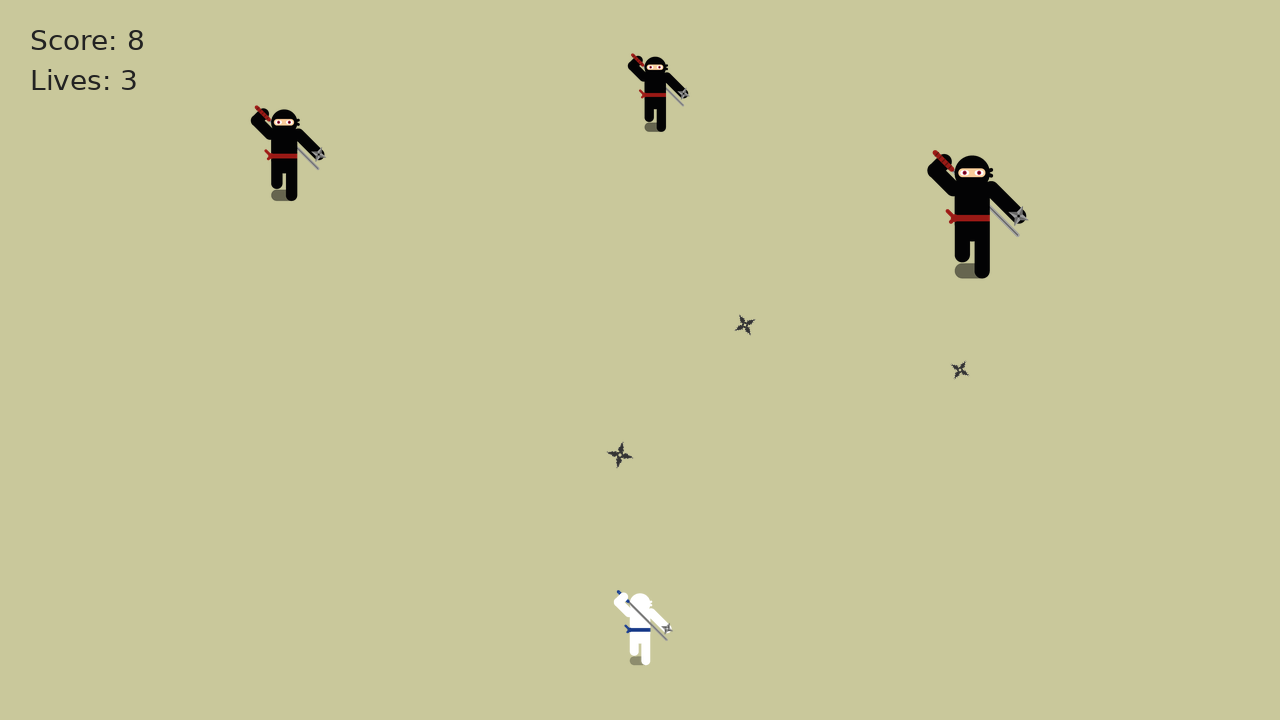
NiNjAttack uses two browser interfaces for one arcade session: the main game on a larger screen and an optional smartphone controller opened from a QR code. The second screen is not required to play, but it is the interaction experiment that makes the project technically distinctive.
Architecture at a glance
sends: ready_game · damage · gameOver · receives: shoot(t)
s = session ID
?s=sends: shoot(t) · receives: damage · gameOver
One game tab, one session
When the game page opens, js/game.js reads an optional session value from the URL, otherwise reuses the tab's sessionStorage value, and generates a new identifier when neither exists. The chosen session is then exposed to the scroll UI so the Controller view can build the correct pairing link.
The QR link points to /controller?s=…. Opening it on a phone gives the controller the same identifier as the game. Both interfaces connect to the NiNjAttack WebSocket service, and messages carry that session value. The game checks incoming messages against its own session before accepting a controller throw.
From a tap to a firing angle
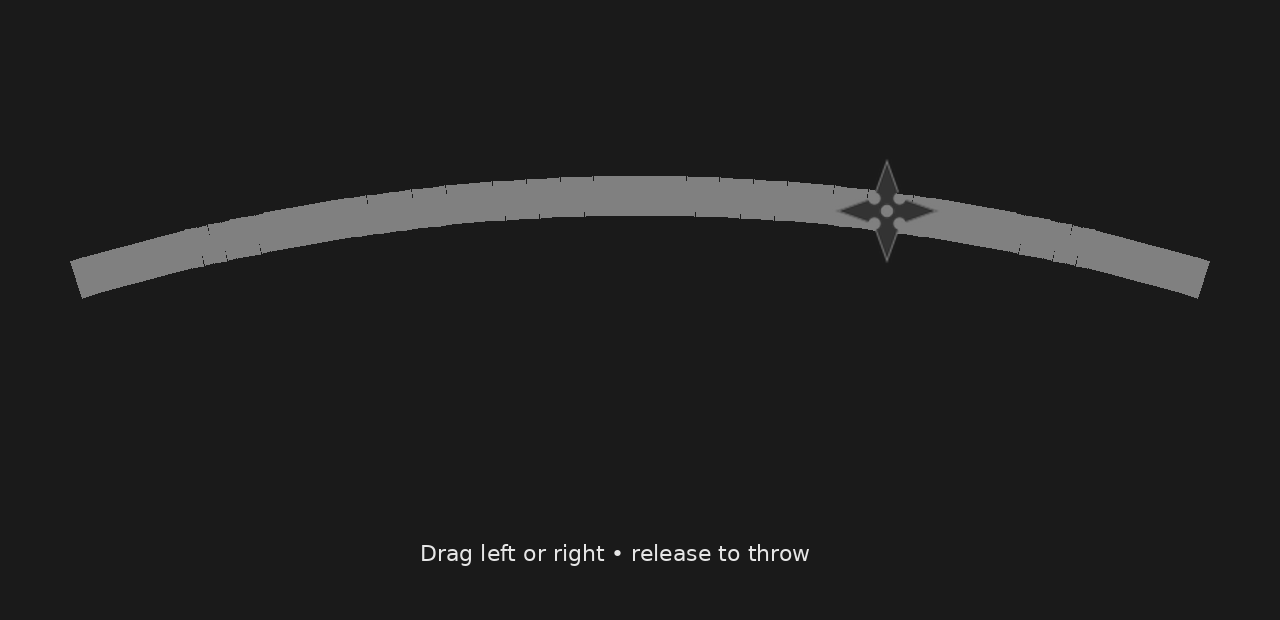
The phone does not mirror the battlefield. Its canvas draws a shuriken above a curved throw arc. A tap position is converted into a normalized horizontal value called t, clamped between 0 and 1, and the controller sends exactly one shoot(t) message for that tap. In other words: one tap creates exactly one shuriken throw.
In the current game logic, the projectile is created when a shoot message arrives. The received t value is converted into the firing direction: values near the middle produce a more vertical throw, while values toward either side rotate the trajectory left or right.
Why a phone controller?
The second screen is used as an input surface rather than a miniature version of NiNjAttack. That keeps the devices functionally different: the larger display shows the arena, enemies and score, while the phone handles the tap-to-throw input.
Because the controller is just another browser interface, the experiment can use hardware a player already has instead of requiring a dedicated gamepad or native mobile app.
One aiming model, two input methods
Mouse input remains available on the main game screen. A click is normalized across the playable arena and passed into the same shuriken-spawning function used for controller throws. The two input methods therefore select a direction for the same game action rather than creating separate rule sets.
This also gives the project a practical fallback: the core game remains playable on one computer when a second device is not available.
Implementation notes from the current source
Session survives a reload
The game stores its session identifier in sessionStorage, so the tab can reuse it across reloads unless a different ?s= value is supplied.
QR failure has a fallback
If the external QR library is blocked or fails, js/ui-scroll.js inserts a normal controller link instead of leaving the pairing view empty.
Connections retry
The game and controller both reconnect after WebSocket closure, which keeps a temporary connection loss from permanently disabling the paired input.
Local and global scores stay separate
The local Scroll of Fame stores the ten best runs on the current device in localStorage. The global view uses a Cloudflare D1 database and keeps one best score per random browser player identifier, paired with the public ninja name chosen by the player.
Player movement and loot
The player now has a real horizontal position instead of a fixed center coordinate. Desktop movement uses A/D or the arrow keys. The phone controller exposes dedicated hold-to-move left/right buttons, while aiming and throwing remain a separate tap input path. The same moving X coordinate is used for rendering, the player hitbox and the shuriken spawn point.
Defeated enemies can create animated coin pickups using four sprite frames. Drop chance depends on enemy class, while the coin value uses a weighted random distribution. Collected currency is persisted locally in the browser so it can later feed the shop and equipment loop.
Current technical boundaries
- The main battlefield is designed for a larger desktop or laptop display.
- The smartphone controller needs a session-bearing link and a working connection to the WebSocket service.
- Mouse input can play a run without pairing a second device.
- No player account is required in the current build.
- The Scroll of Fame offers a device-local top 10 and an optional global top 100; no player account is required.
- Fullscreen is supported on the main game screen.
Looking for the rules rather than the implementation? How to Play is the practical guide for controls, enemy behavior, scoring and troubleshooting.